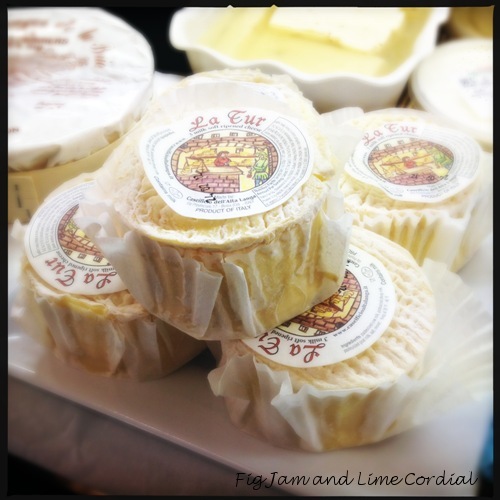
Sigh. I do get excited by things sometimes. It always makes Pete laugh!
When I was sixteen, I was a passionate amateur photographer, with an Olympus SLR and a kit bag full of interchangeable lenses. Back then, everything and everyone was a potential subject, and I remember the excitement of viewing the world through a photographer’s eye, always on the look out for a great photo. Sadly, it was a hobby that faded after I started university, as film processing costs became prohibitive.
Last week, I discovered the Hipstamatic App for my iPhone 4S (thanks Lucas).
This digital photography app emulates the old fashioned point and shoot camera, but offers a range of filter options (in the form of “lenses”,” films” and “flashes”) that allow you to creatively manipulate the final image. With most photo apps, the filters are applied to a photo after it’s taken; with Hipstamatic you choose the effect before you click the shutter button.
It’s not without its limitations (which I’ll discuss a bit later on), but at $1.99 for the basic app, price isn’t one of them. The base model comes with five lenses, four films and three flashes. Add-on packs start at just 99c each – so far, I’ve bought seven of them, so I’m out of pocket a grand total of $8.92. That’s roughly the price of a loaf of artisan sourdough.
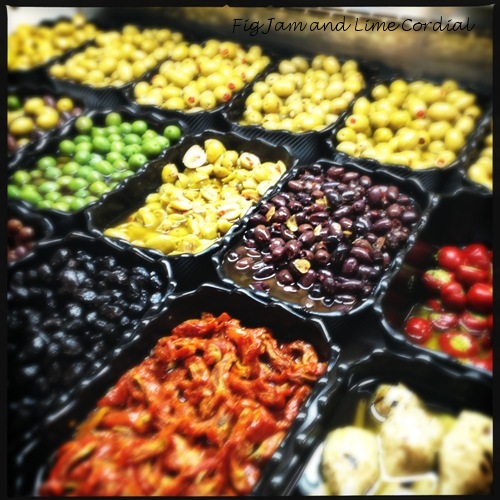
And for that small cost, I’ve been having a ball! Here are some of the pics I’ve taken in the last few days, while I’ve been experimenting with the different effects that can be achieved with the app.
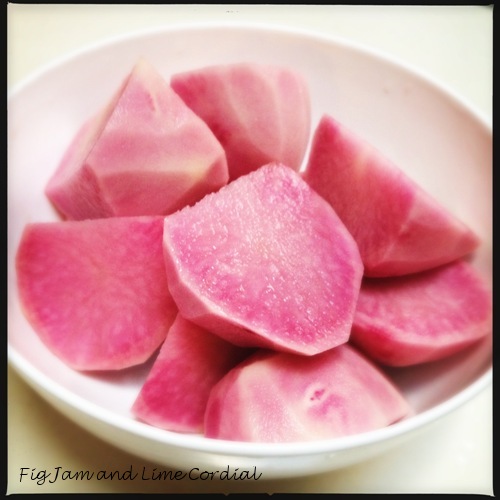
All the photos above, and the one below of cranberry red potatoes, were taken using the Loftus Lens and DC Film. Both of these were designed in conjunction with food photographer David Loftus to specifically enhance food photos…
. . . . .
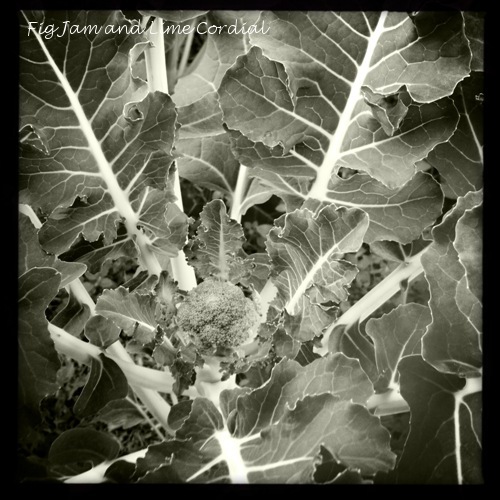
Taking black and white photos makes my heart soar!
The next two photos were shot using the Lucifer VI Lens and Claunch 72 Monochrome Film…

. . . . .
The Americana Lens coupled with Blanko Freedom 13 Film allowed me to capture our Yellow Princes as they darted around the tank…

. . . . .
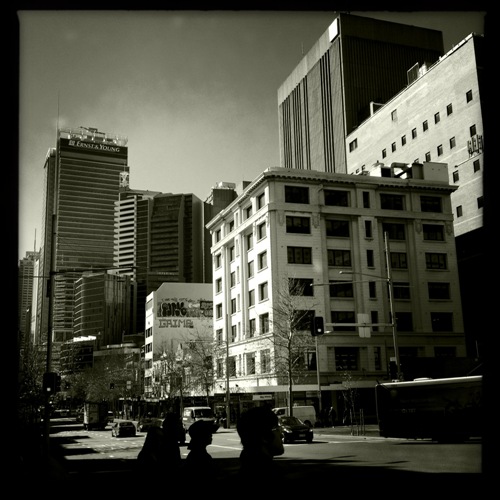
Pete and I spent an afternoon in the city recently. I had my iPhone out as soon as I stepped off the bus, and took this photo using the John S Lens and my now favourite Claunch 72 Monochrome Film…
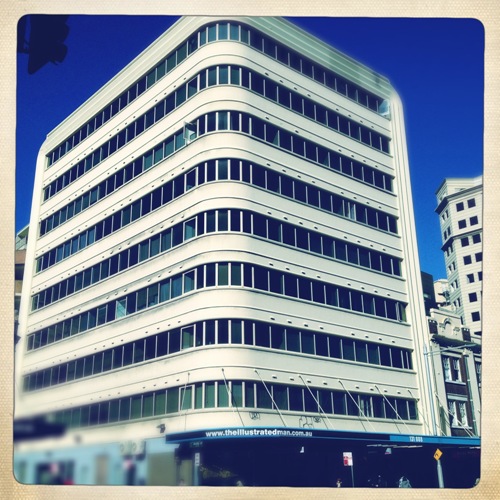
The Americana Lens and Ina’s 1969 Film gave this photo of a building in Surry Hills a 70s feel…
. . . . .
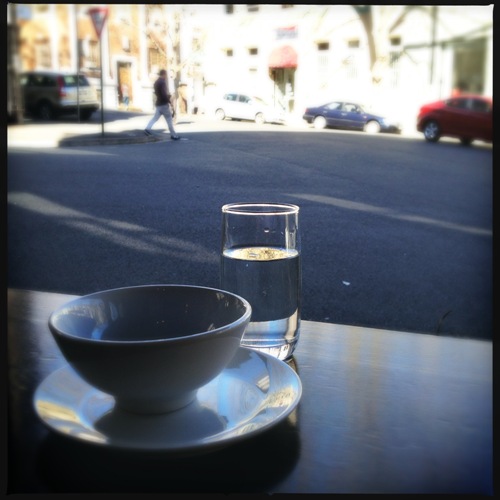
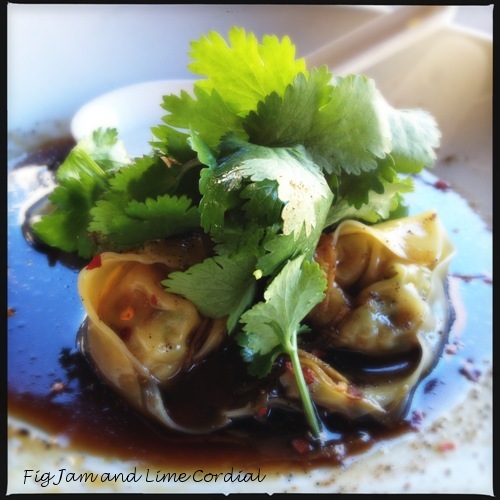
As Pete missed out on lunch with Glenda and Maus, we went back to Bar H in Surry Hills. We sat by an open window and I took this photo as we waited for our meal. The following three shots were all taken using the Loftus Lens and DC Film…
Steamed prawn and fish wontons…
Wild kingfish sashimi salad…

. . . . .
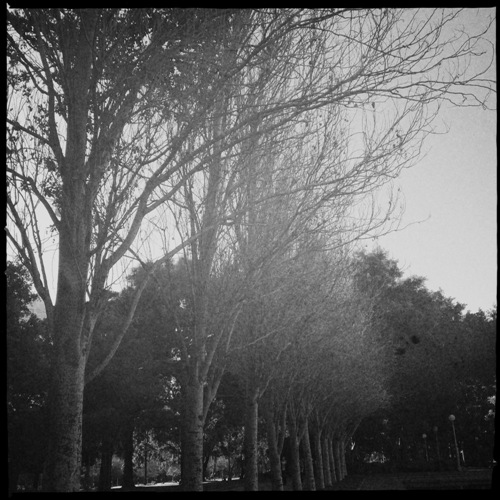
A stroll through Hyde Park, and an experimental shot taken using Buckhorst H1 Lens and US1776 Film…
. . . . .
The new Sydney Westfields has the most amazing food court I’ve ever seen! We had dessert at the Via Del Corso Pasticceria e Caffé…
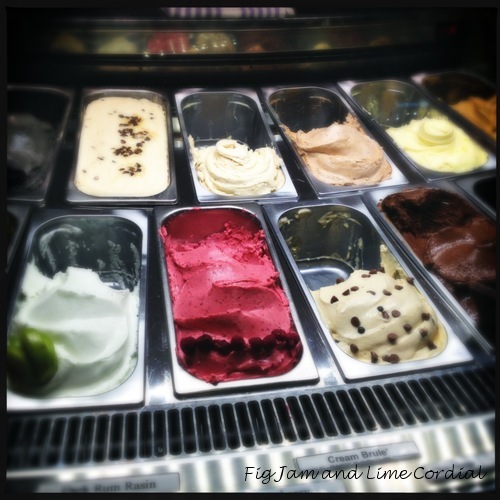
Pete had the lemon lime tart…the Loftus Lens and DC Film seemed to cope well with the indoor fluoro lighting..

I had blood orange and chocolate sorbet…
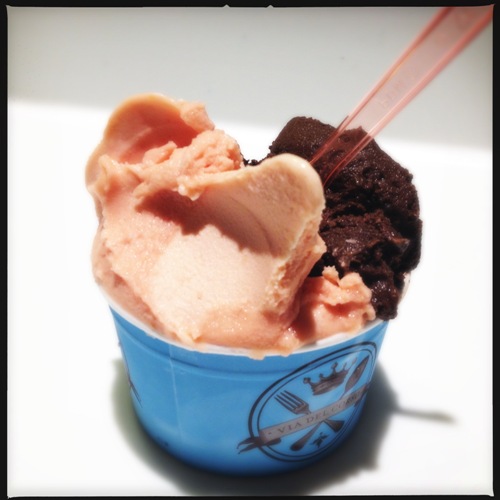
Notice how the Loftus Lens blurs the edges of the photo slightly?
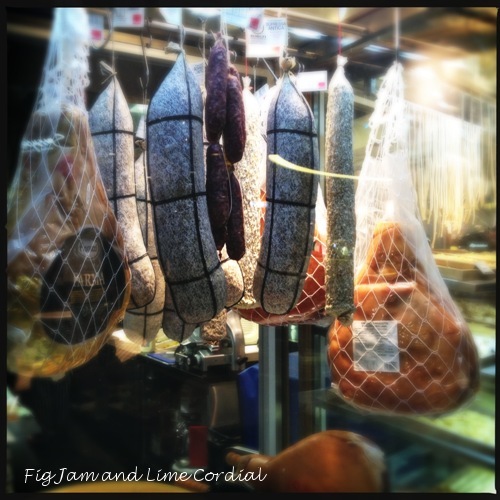
This window display at Ragù astounded me – I don’t think I’ve ever seen a full leg of San Daniele prosciutto hanging in a food court before…
. . . . .
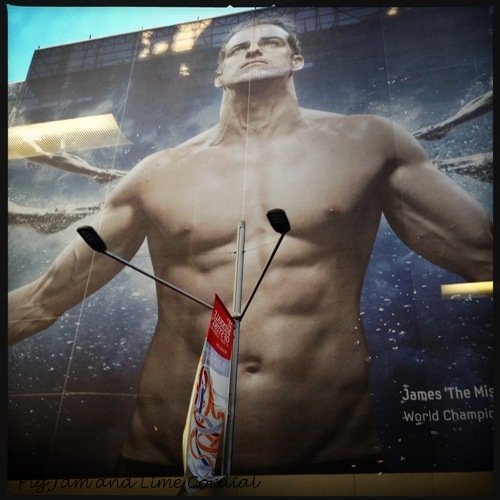
And finally, the Jane Lens and DC Film (my default “regular” photo setting) captured this poster of James Magnussen, Australian Olympic swimmer, which covered the entire Queen Victoria Building. I took it through the window of a moving bus (Debra, this photo is for you!)…
Hipstamatic is a wonderful app, but as I mentioned above, it does have a few limitations.
Firstly, it can’t zoom. It really is point and shoot only.
Secondly, it can’t take photos using the front camera on the iPhone, which really isn’t a big loss, as the front lens isn’t as high quality as the rear one anyway.
Thirdly, the photo can’t be edited in Hipstamatic after it’s been taken, although you can save it onto your computer and play with it there. This means that you have to learn how the different lenses and films work together, so you can pick the right combination before clicking the shutter button.
Fourthly, each photo takes about ten seconds to process, and the software can only process nine pictures at a time. I don’t have a problem with this, but it was sufficiently annoying for Monkey Girl (Big Boy’s ♥) to uninstall the app. Then again, she’s nineteen.
One major consideration – according to some reviewers, the app has a tendency to crash, particularly if you’re using an older iPhone or operating system (although it’s been mostly fine on my iPhone 4S with iOS 5.1.1).
And finally, the app doesn’t come with a built-in training manual or guide. It takes a little study to figure out how it works, and then some experimentation to determine which settings you prefer to use. There are a couple of great instructional websites here and here which I found particularly useful.
If you have an iPad and would like to see more of the fantastic photos taken with this app, download their free magazine. And check out New York Times photographer Damon Winter’s Hipstamatic photo story on Afghanistan – he won an international award for it!
PS. All the photos in this post are SOOC (straight out of camera) – they haven’t been adjusted or photoshopped in any way!

 Fig Jam and Lime Cordial